
There is that euphoric and exciting feeling you get when you buy your first 3D printer, but the real deal comes in when you need to choose the right machine that can print in more than one color. Here is the good news: you can have access to buying multi-color printing even as a beginner. One good thing is that there are a lot of machines that are beginner-friendly. With these machines, you get clean, colorful results without experiencing any complications in the setup or manual painting. And if you are a beginner, this guide will give you insight and help you know whether multi-color printing is worth it, who should consider it, how the main systems work, and which printer is most suitable for a new user.
Who Should Consider a Multi-Color 3D Printer?
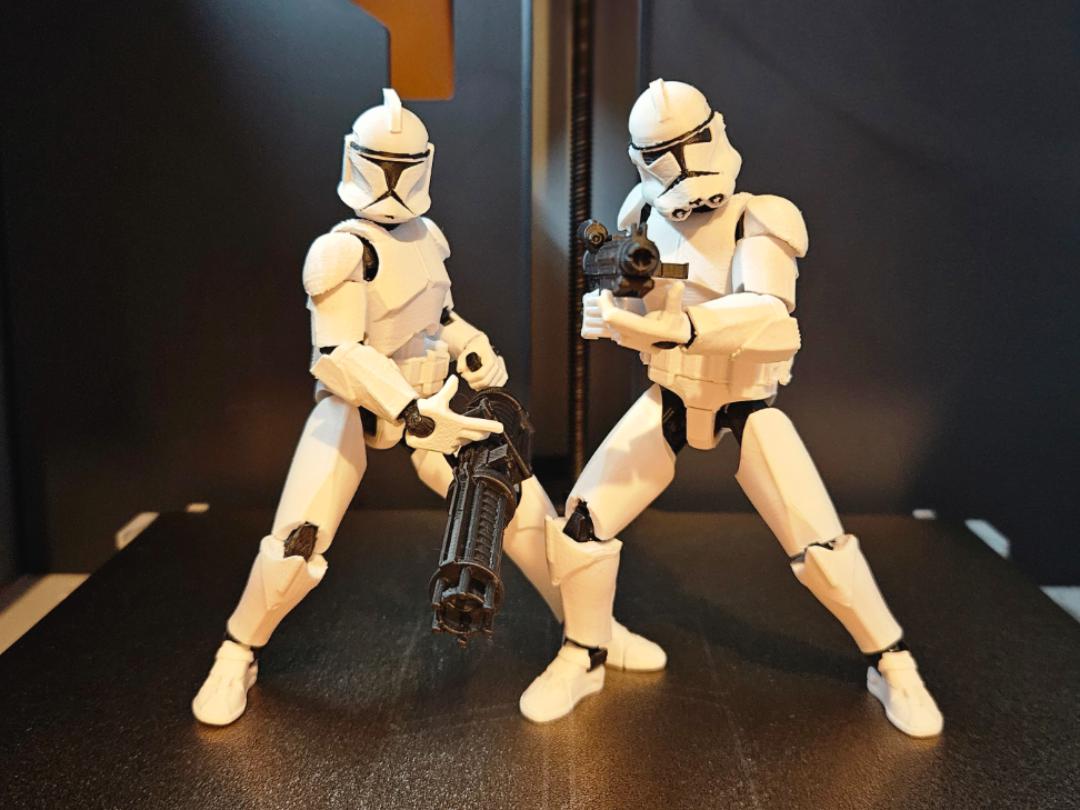
A multi-color 3D printer is a good fit for anyone who wishes to use models that seem complete without extra finishing work. Students and teachers benefit from colored diagrams and learning tools. Families enjoy printing toys and decorations that do not need paint. Small businesses can create nameplates or branded items with built-in color.
If your budget is limited but you still want color printing, there are several options marketed as a good 3D printer for beginners. For many users, this type of printer becomes their first 3D printer because it combines creativity with simple operation.
Is a Multi-Color 3D Printer Worth It for Beginners?
Many beginners find multi-color printing attractive because they are able to see that finished look right from the printer. So, things like logos, toys, keychains, and learning models look more professional when printed in colors directly instead of being painted later. For the very reason that this saves time and avoids mistakes that come with brushes and spray cans.
Although modern systems can achieve this, you would have to use either filament switching or tool changing. A good example of the second method is Bambu Lab’s multi-color 3D printer, the H2C system, which uses multiple print hotends that swap during a print.
For most beginners, a single-nozzle system that changes filament automatically is simpler and more forgiving in the case of an error. Hence, the reason many people choose this method when looking to select the best 3D printer for beginners with color capability.

AMS vs. Toolchanger: Which Multi-Color System Is Better for Beginners?
How AMS (Single Nozzle) Multi-Color Printing Works
For the AMS systems, it relies on just one nozzle and other spools of filament as a backup. When you need to change the color for a model, you don’t have to stress because the printer unloads the current filament and loads the next one automatically. The old color is pushed out of the nozzle before the new color begins printing.
Why AMS is beginner-friendly:
Easily integrated system
High fault tolerance
Easier setup and lower learning curve
Automatic filament switching and runout recovery
With these features, it is easier to get over errors with little to no intervention from you as a user.
How Toolchanger (Multi-Nozzle) Systems Work
Toolchanger machines put together multiple print heads, each with its own filament. When there is a need to change the color or material, the printer physically swaps heads instead of pushing filament through the same nozzle.
Benefits:
No purge waste
Faster color changes
Great for multi-material and better productivity
This design is suitable for advanced beginners who want to gain more control and are comfortable with machines with more advanced complexity.
Filament Waste Comparison
AMS systems create waste during purging, which adds time and uses more filament. However, this is great for learning, as it is easier to manage. Toolchanger systems avoid this waste and produce cleaner transitions, but they require you to pay a fee upfront and more precise calibration.
What to Consider When Buying a Multi-Color 3D Printer
Budget and Long-Term Value
In terms of budgeting and value preservation, you may want to consider machines that are underpriced, as they prove to be good for learning, albeit they may limit the types of filament you can use. However, if you spend a little more, in addition to the benefits you get from the product, you can get support for sturdy plastics and enclosed printing. So, you need to consider whether you plan to print only decorations or also functional parts later in the future.
Plug-and-Play Experience
A beginner printer should work soon after unboxing. Look for automatic bed leveling, pre-built frames, and guided software. These features reduce failed prints and save time.
Multi-Color Model Ecosystem
Access to ready-made models makes a big difference. MakerWorld offers multi-color files that are already set up for compatible printers. This will help you, as a beginner, to avoid the complexities of slicing and color mapping when you start using it.
Best Multi-Color 3D Printers for Beginners in 2026
Best Entry-Level Choice: Bambu Lab A1/A1 mini Combo
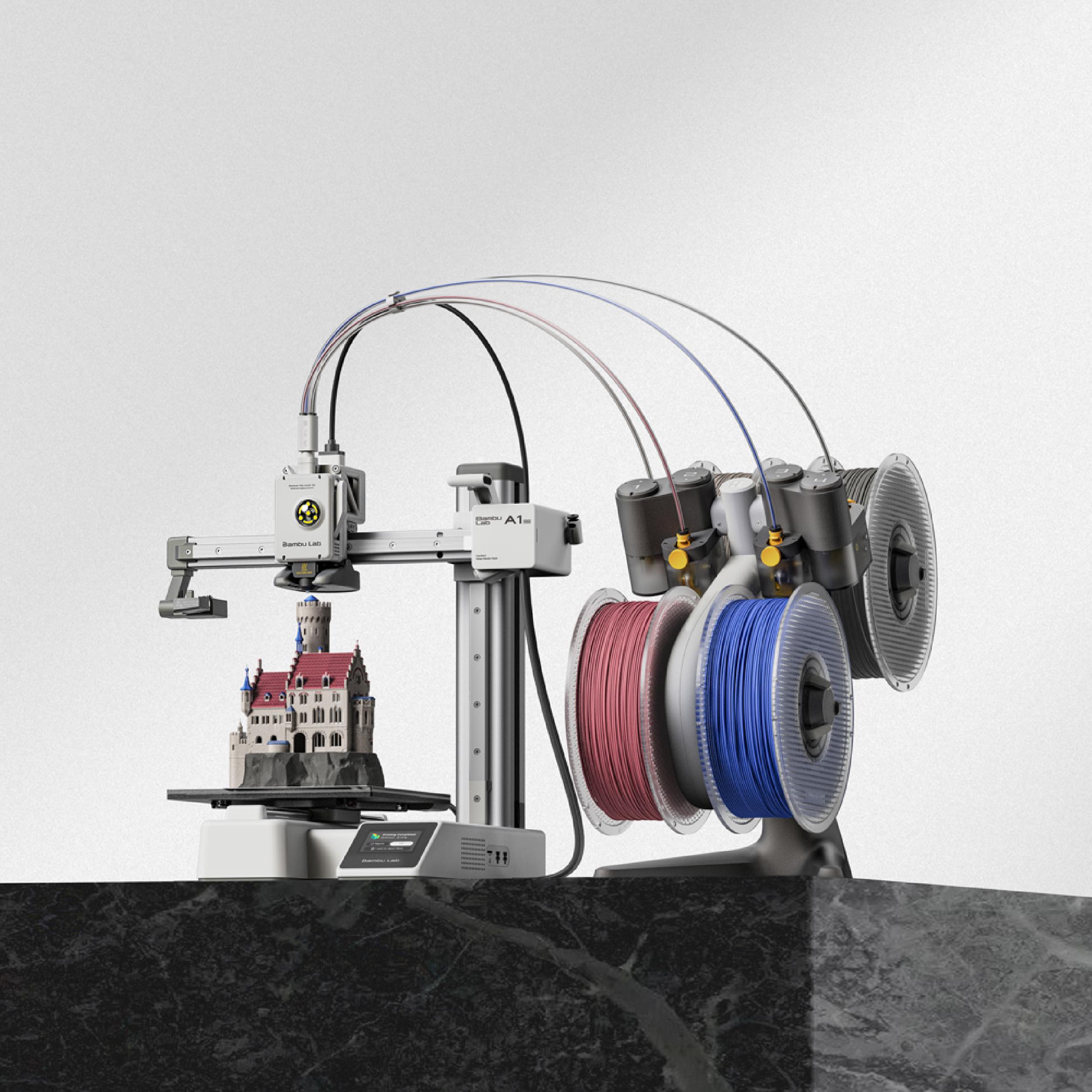
These machines are compact and designed for ease of use and quick setup. When you pair with an AMS unit, they become 3D printers with multi-color printing capabilities.
Key strengths:
3D printers with multi-color printing capabilities
User-friendly 3D printers for families, good for beginners
Desktop 3D printers easiest for beginners
Best desktop 3D printers for educational use
For many buyers, this model fits the role of the best 3D printer for beginners because it balances automation with affordability.
Best Value for Money: Bambu Lab P1S/P2S Combo
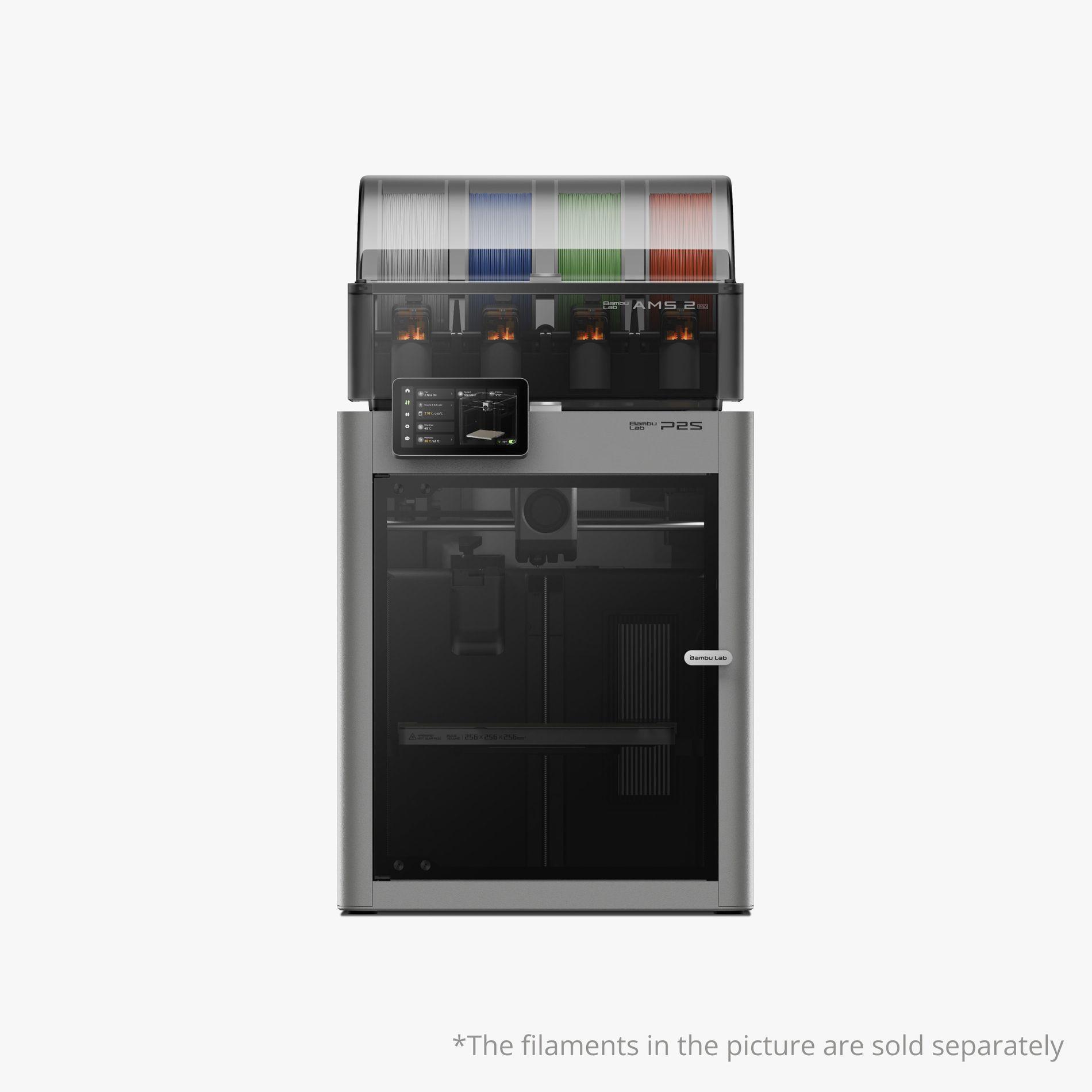
These printers are for users who want more power without using any professional equipment. They are enclosed, stable, and capable of printing tougher filaments.
Key strengths:
3D printers with multi-color printing capabilities
Support advanced materials like carbon fiber.
User-friendly 3D printers for families, good for beginners
Most reliable desktop 3D printers for home use
High-resolution desktop 3D printing
Best value desktop 3D printers
For some users, this option becomes the best starter 3D printer because it handles both decorative and functional projects.
Best Zero-Waste Multi-Color Upgrade: Bambu Lab H2C AMS Combo
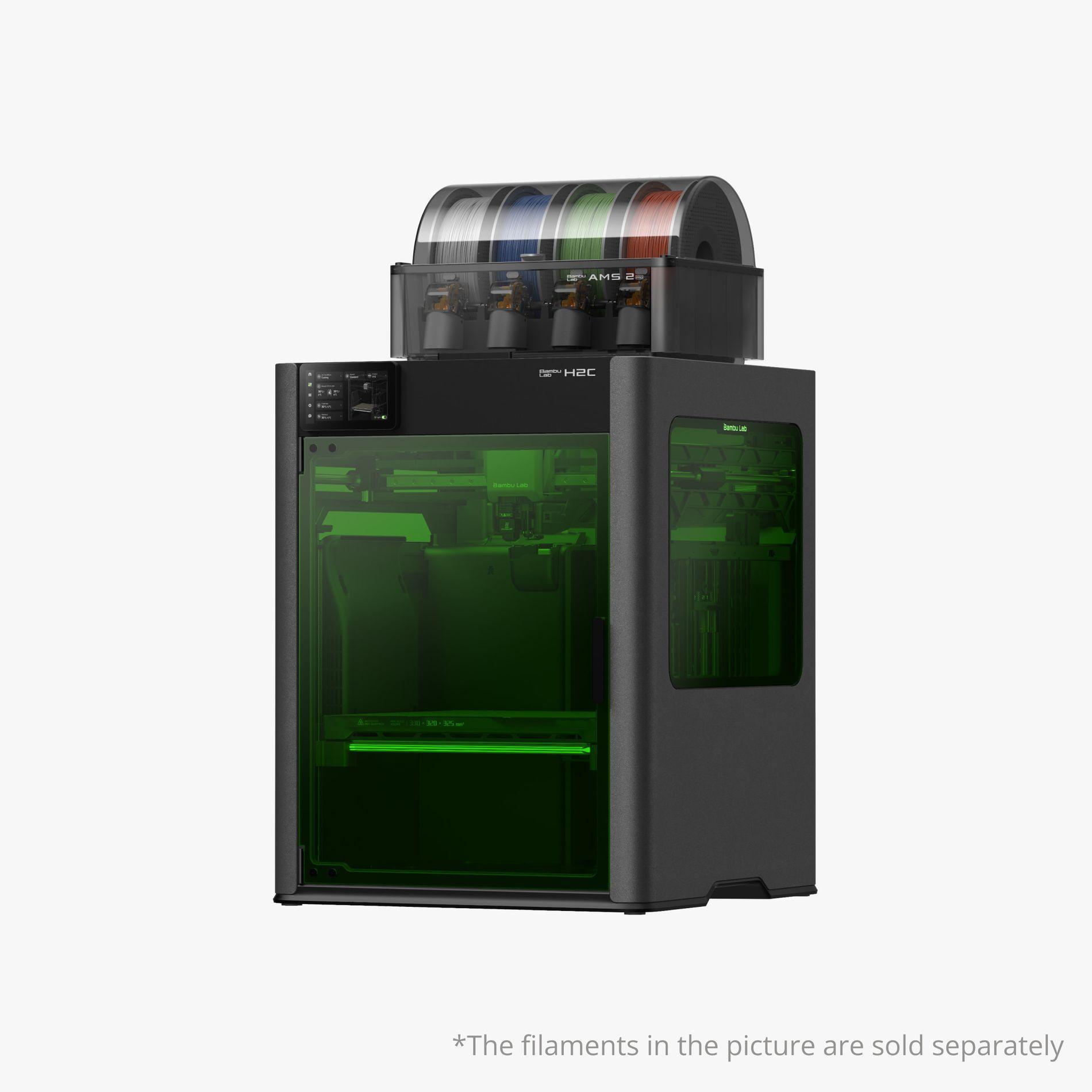
This platform is built around tool changer technology and avoids purge waste entirely. It suits productivity-focused users who want clean results and higher output. It also represents a practical example of a multi-filament 3D printer and a multi-material 3D printer in daily use.
Final Recommendation for Beginners
If your preference is something simple, then the A1 or A1 mini is a great offer for you to start printing in color. However, if you belong to the group that prefers stronger materials and long-lasting flexibility, the P1S or P2S will give you more value over time. On the other hand, if your efficiency and clean color changes are of utmost priority for you, then the H2C platform is a direct step into tool-changer printing.
In 2026, choosing a multi-color 3D printer no longer requires advanced technical skills. With today’s automation and software support, even an entry-level 3D printer can create bright, well-defined models. When chosen carefully, a multi-color 3D printer can grow with your skills and remain useful long after your first prints are finished.