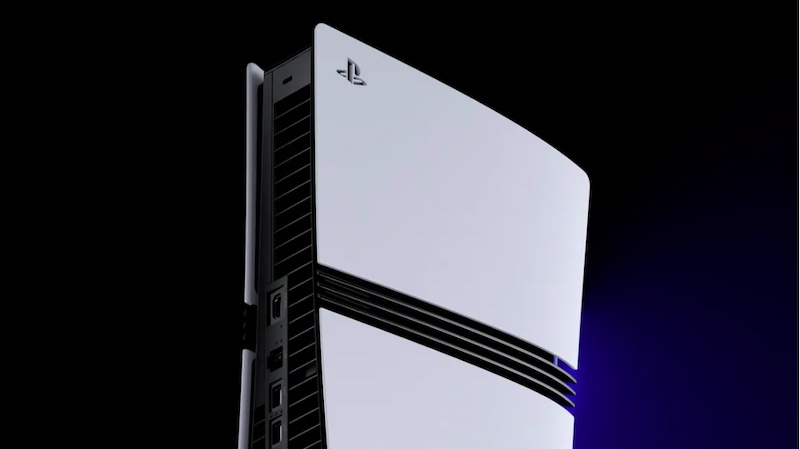
How To Turn On PSSR 2.0 On PS5 Pro, Enabling PSSR 2.0, Turning On Upgraded PSSR For PS5 Pro. Sony’s is officially launching its upgraded PlayStation Spectral Super Resolution (PSSR) – aka PSSR 2.0 – today as part of the latest PS5 system software update, and if you’re a PS5 Pro owner, you’ll want to know how to take advantage of the feature. Fortunately, it’s easy to do, so read our handy guide one enabling PSSR 2.0 below!
How To Enable Upgraded PSSR – aka PSSR 2.0 – On Your PS5 Pro
To ensure that PSSR 2.0 is enabled on your PS5, first you need to download the latest system software update. It’s now live, so fire up your console and download it. Once this is done, you simply need follow the below steps:
- Go to ‘Settings’
- Select ‘Screen And Video’
- Choose ‘Video Output’
- Toggle On ‘Enhanced PSSR Image Quality’
Sony has already confirmed that a number of major titles will be supported PSSR 2.0, including Alan Wake 2, Cyberpunk 2077, Control: Ultimate Edition, Final Fantasy VII Rebirth, Monster Hunter Wilds, and Resident Evil Requiem.