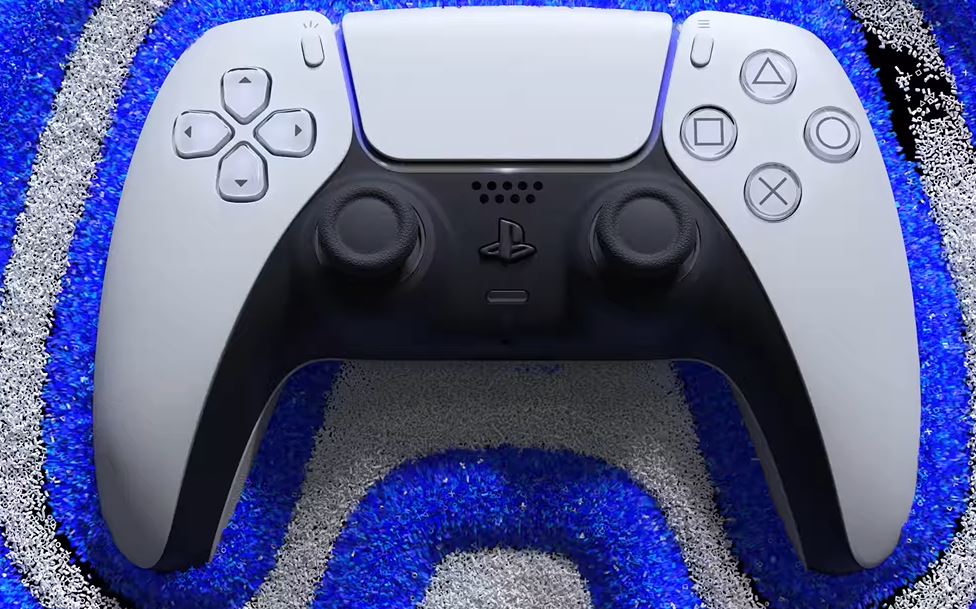
Now that users have the PS5 and DualSense in their hands, people have been wanting guidance on “How to turn off the DualSense Haptic Feedback on PS5?” This article will tell you just how to do that, whether you just want it off or for accessibility reasons.
How To Turn Off The DualSense Haptic Feedback On PS5?
- From the home screen on the PS5 UI, use the DualSense controller’s analogue sticks to move the cursor up to the settings option.
- Hit X and then scroll down to the ‘Accessories’ option and hit X again.
- Scroll down to the ‘Controllers’ option and in the next list, you can find the second option, which will allow you to turn off the DualSense Haptic Feedback.
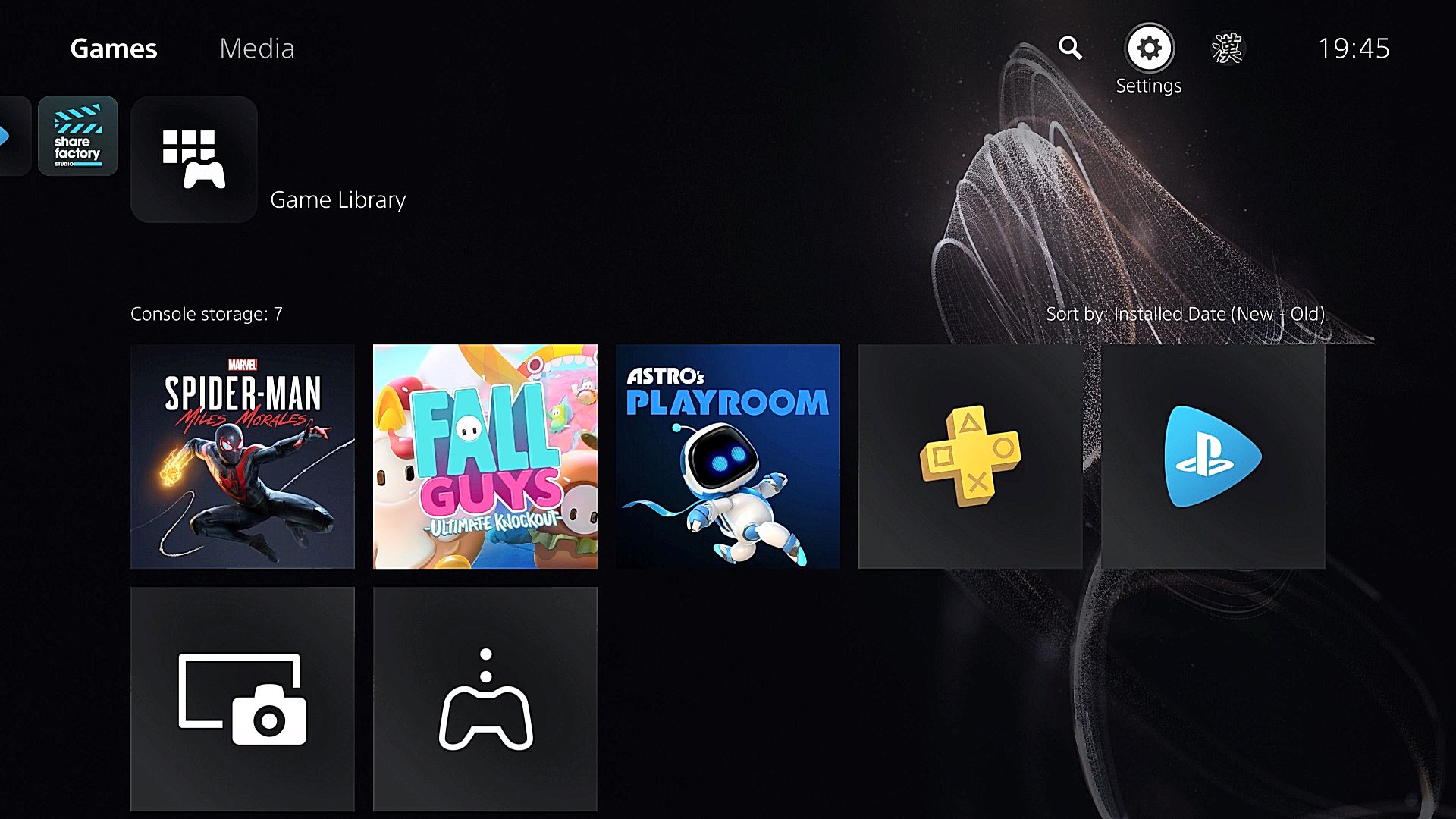
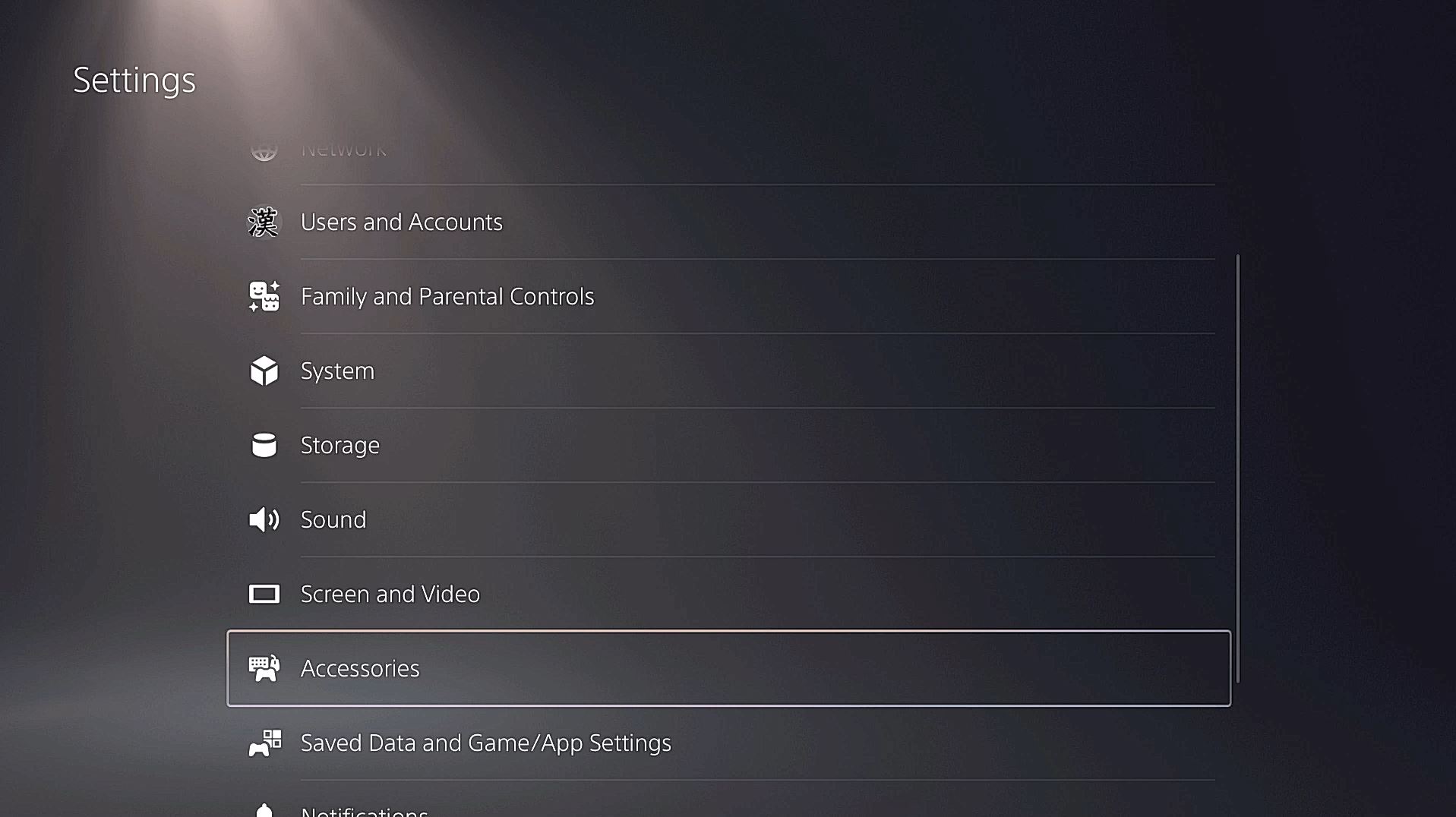
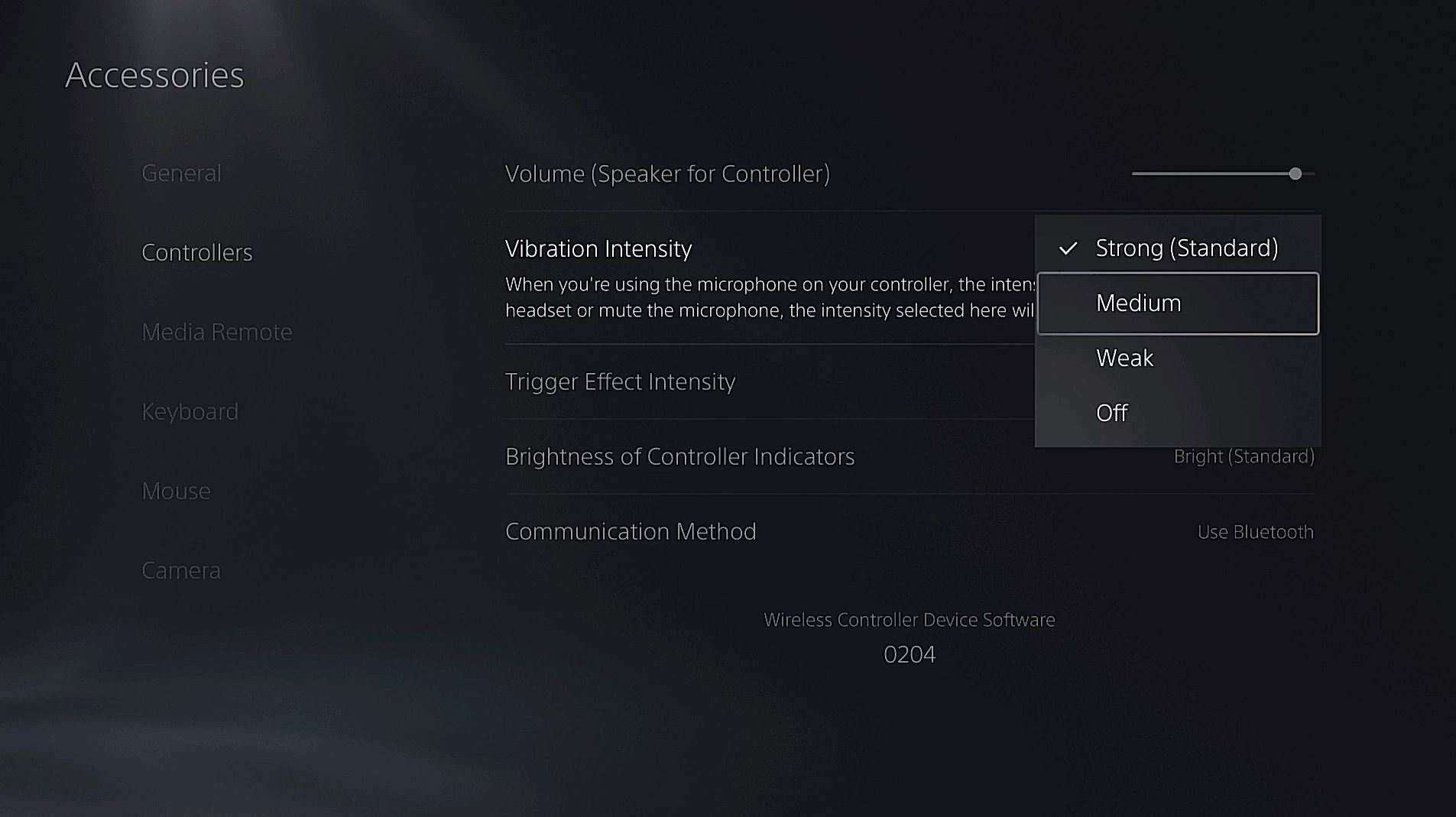
This is one of a number of different settings you can change on the PS5. If you want to keep track of all our guides and info about the PS5 UI be sure to check out our hub filled with PS5 info here.
The PS5 is available now.