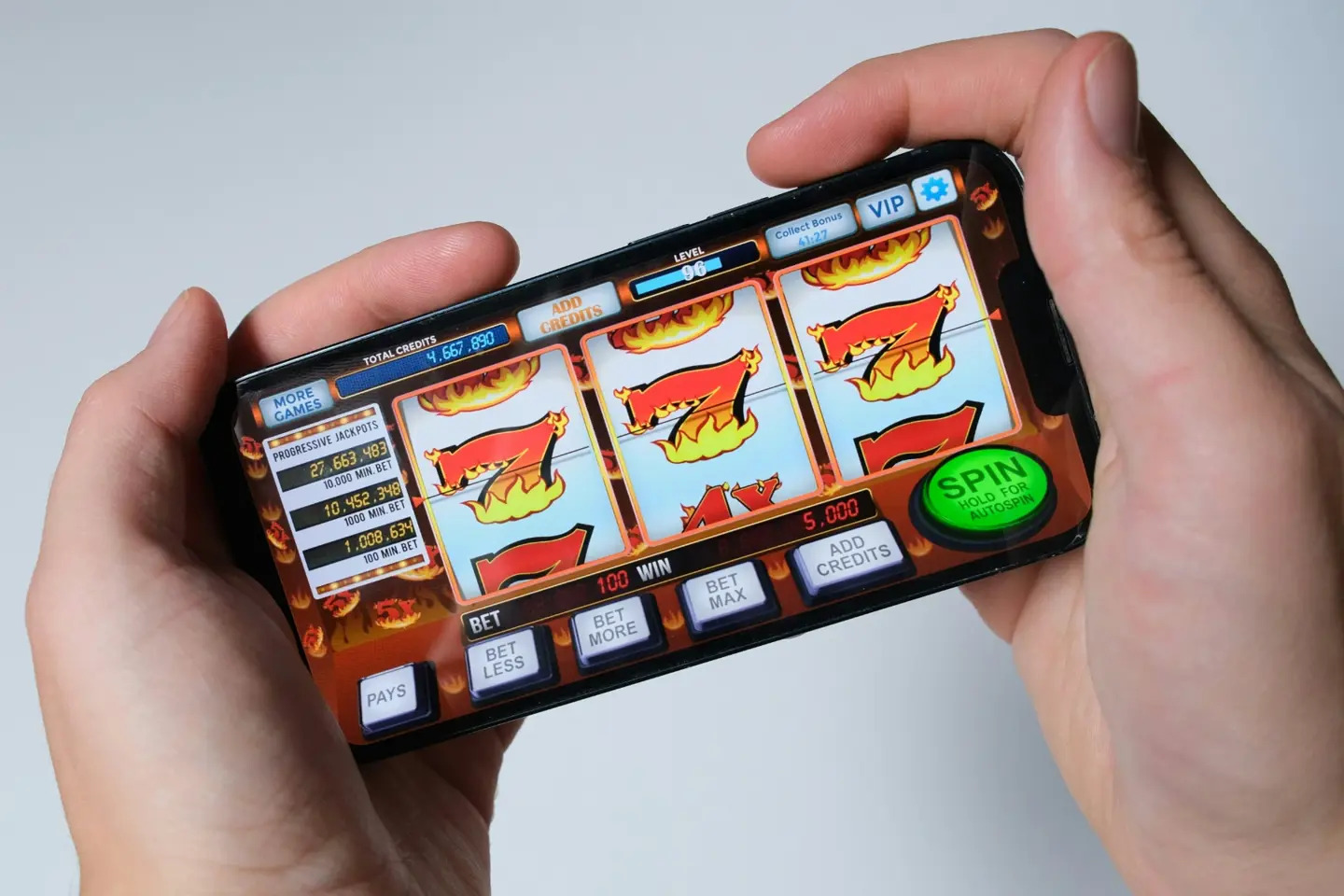
When you use a website on your phone, every tap, swipe, and drag should feel natural. Getting that right means understanding how your browser handles movement and how individual controls respond.
Whether you browse entertainment platforms or play games online in New Zealand, a reliable mobile experience makes it easier to find what you want and interact with the screen without unnecessary interruptions.
The Browser Shares Every Gesture
Think about what happens when you swipe across your phone. You might be trying to move through a row of game options, open another menu, or scroll down to read more. The movement looks the same to you, but your browser and the website may interpret it differently.
That is where good touch control design comes in. Your browser already knows how to scroll a page, while the website may have its own rules for buttons, sliders, draggable items, and swipe navigation. Both need to work together so that the movement of your finger produces the result you expect.
You notice the difference most when you are doing something that requires precision. Imagine selecting a card in a game, moving an item across the screen or opening a menu while other content sits nearby. If the page starts scrolling when you meant to select something, the experience can feel awkward.
For players in New Zealand, this comes up more often than you might think. You might check a few games on your phone during your commute, then pick things up on a tablet at home later. A swipe that works perfectly in Safari can feel slightly off in Chrome, and those small differences add up when you’re moving around a busy page.
Online casinos show this most clearly because there’s so much to browse. At Casiny NZ, for example, you’ll find 5,689 games and 63 live casino games from providers like Pragmatic Play, Play’n GO, NetEnt and Evolution. With a library that size, menus, filters and game screens need to respond to every tap and swipe the same way, whichever device you’re using.
Main Thread Work Can Change Feel
A mobile page can look simple on the surface while doing quite a lot behind the scenes. Your browser processes input and manages scrolling, while the website may use JavaScript to update game information, respond to selections or keep a dragged object moving with your finger.
When too much work is happening at once, the timing of these actions can affect how the page feels. Even a small delay can make a control seem less immediate, particularly when you are trying to complete a quick selection or move something precisely.
WebKit’s documentation for Safari 27 describes an update that is highly relevant. Touch scrolling can begin without waiting for a busy main thread when no non-passive event listener is present. In practical terms, this gives the browser a clearer path to starting a scroll when the page’s event-handling setup allows it.
An event listener lets a website respond when you touch or interact with an element. A non-passive listener can cancel the browser’s default response, which means the browser may need to wait before deciding whether scrolling should begin. A passive listener signals that the handler will not cancel that default action, allowing the browser to proceed without that particular uncertainty.
Neither option is automatically right for every situation. If you want a panel to scroll naturally, allowing the browser to manage that movement makes sense. If you need to drag an item around a game area, you may need more specific control over the gesture.
Retest Controls After Stable Updates
Your phone’s browser can change after a software update, so a feature that worked well last month deserves another look. Apple released Safari 27 on September 14, 2026, according to its official support documentation. That makes the release a useful reference point for anyone maintaining a mobile website.
An update does not automatically mean that your favorite website will behave differently. However, changes to browser behavior can affect how touch input is processed, especially when a page combines custom interactions with ordinary scrolling.
If you manage a website, it helps to repeat the same tests after a significant browser update. If you are reviewing a game interface, for example, check the complete interaction rather than simply confirming that a button responds.
Here are a few useful checks to include:
- Taps: Select buttons and individual items to confirm that the intended action registers.
- Swipes: Move between menus and scroll through content in both directions.
- Drags: Move objects across the screen and check that they follow your finger.
- Overlays: Open menus and panels, then scroll within them to see whether the correct area moves.
- Repeat actions: Try the same movement several times to see whether the response remains consistent.
Prioritize High-Friction Game Moments
Some parts of a mobile interface deserve more attention than others. Fast selections, drag controls, swipe navigation and scrolling overlays all involve movements that can be interpreted in different ways.
Consider a browser-based card game. You tap one card in a row, expecting it to become selected. If your finger moves slightly during the tap and the page begins scrolling instead, you may need to repeat the action. That is a small inconvenience but repeated interruptions can make the whole interface feel less comfortable to use.
Dragging creates a different challenge. When you move an item around a game area, you expect it to follow your finger. If the surrounding page moves at the same time, it becomes harder to control the action. Defining which part of the screen handles the gesture helps avoid this confusion.
These details are relevant to online casino platforms, where you may switch between games, browse categories or interact with on-screen controls. A platform such as Casiny NZ benefits from a consistent approach that lets you focus on the activity rather than working out how each control behaves.
The following table shows what you can check during a routine review.
| Interaction | What to check | Expected result |
| Quick tap | Selection accuracy | The chosen item responds |
| Horizontal swipe | Navigation direction | The correct section opens |
| Drag movement | Control of the item | The item follows your finger |
| Vertical scroll | Scrolling area | The intended panel moves |
| Menu overlay | Content boundaries | The correct area responds |
These checks also apply to shopping websites, news pages and other services you use on your phone.
Plan for Rapid Consumer Adoption
For opearting platforms, planning for consumer adoption is relevant.
New browser versions gradually reach more devices, so you cannot assume that everyone visiting your website uses the same software. The Associated Press reported in September 2026 that iOS 27 had begun reaching consumer iPhones, bringing updated browser behavior to a growing number of users.
The timing varies according to device compatibility and individual update choices. Some people will use the newest software, while others will continue browsing with earlier supported versions. Your testing plan should account for that mix instead of focusing entirely on the latest release.
If you maintain a mobile platform in New Zealand, start with the devices and browsers your audience commonly uses. Test the controls that matter most, then expand the checks to less frequently used features.
Responsible Gambling Notice: Gambling should be treated strictly as entertainment, not as a way to make money. Players should set clear spending and session limits before playing, avoid chasing losses, take regular breaks and stop if the experience no longer feels enjoyable or affordable. 18+ only.