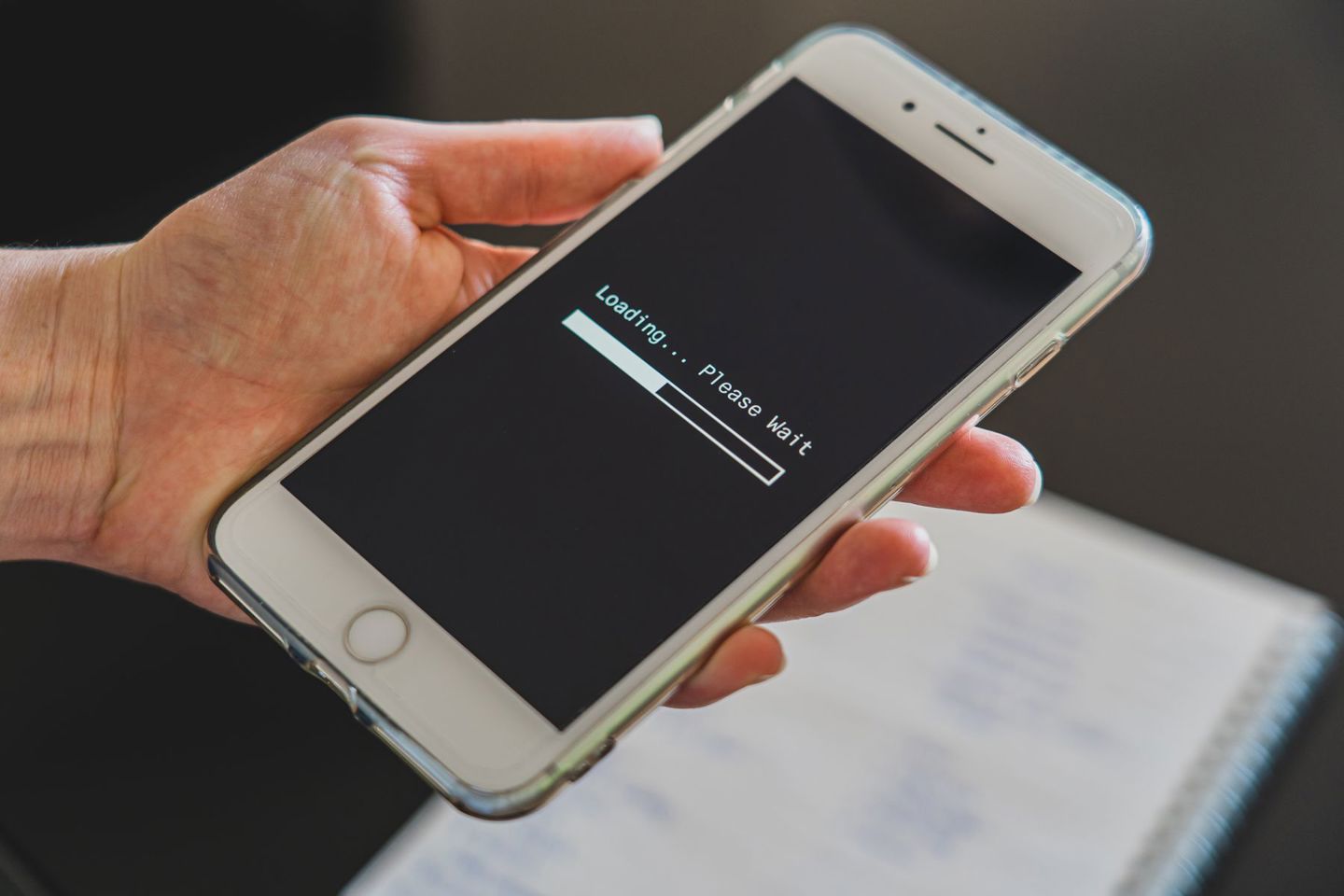
The lobby opens, the thumbnail responds and then another loading screen appears. A slot may occupy only a small patch of your phone, but getting it ready involves work you cannot see. The reason for the wait also explains why returning to a familiar game can feel different from opening it for the first time.
The bar races to the far end, then seems to lose interest. Somehow, the last inch always feels the longest.
A thumb hovers over refresh. Perhaps another tap will help. Perhaps the game has frozen. Either way, staring at a studio logo was hardly the entertainment you had in mind.
The frustration is understandable. A slot looks compact beside the enormous worlds a PlayStation can deliver. There are no mountains stretching into the distance, so what could possibly take so long?
Quite a lot can happen before those reels become playable. The browser needs to fetch the game, then prepare it to respond. How much happens before the opening screen disappears depends on the title and the device running it.
The Lobby Is Open. Why Are You Still Waiting?
Scrolling through a casino lobby can give you the impression that everything is already there. The thumbnails appear and another row of games comes into view. It feels ready.
With more than 7,000 titles listed by VoltRush casino, for instance, what you are browsing is a catalog. Opening one of those titles begins the work of getting that particular game ready. The thumbnail was only its calling card.
That helps explain the second loading screen. A small preview image can appear long before the files behind the playable game have arrived. Selecting it may start another set of requests, followed by preparation on your device.
The change of branding can offer a clue. A casino’s menu gives way to a studio logo as its game opens. Both stages happen inside the same browsing session, which makes them feel like one continuous task. Your browser has more to do than the effortless first tap suggests.
Those Reels Need More Than Five Pictures
Look closely at a symbol during a win. It might glow, expand or turn into a short animation. The little picture resting on the reel is only one version of what that symbol can become.
Those movements need artwork. Sound effects must also be ready when called upon, rather than arriving halfway through the moment they accompany. Developers decide what to prepare before play and what can wait until later.
| Component | What needs to be ready |
| Symbol graphics | Artwork and animation frames used on the reels |
| Background assets | The setting surrounding the playable grid |
| Audio | Music and effects triggered by game events |
| Interface code | Controls that respond when tapped or clicked |
The type of game changes the workload, too. Alongside the slots in VoltRush’s advertised selection are live titles including Crazy Time. Watching a presenter requires a continuing video feed, so the connection remains busy delivering the show.
A slot’s opening wait serves a different purpose: getting its interactive game ready. That is why a live feed buffering during a session and a slot stalling before its controls appear should not automatically receive the same diagnosis.
Fast Wi-Fi Can Only Do So Much
Full Wi-Fi bars can make a stubborn loading screen feel particularly unreasonable. The connection looks healthy, so what is taking so long? Downloaded files still need processing before the game can respond to your touch.
Some of that work can be done in advance. Explaining how to create a lighting effect in a browser game, Ben Richards, Senior WebGL Developer at Phaser Studios, noted: “Loading a pre-computed texture is cheaper than computing the whole blur anew.”
The developer has a choice: prepare the image beforehand or have the device calculate the effect. Either approach involves work somewhere. A faster connection can deliver files sooner, but it cannot do your phone’s processing for it.
The numbers can be deceptive as well. A hypothetical 10-megabyte download takes about eight seconds over a connection delivering 10 megabits per second, before overhead. That estimates the transfer, leaving the work needed to run the game outside the calculation.
Even a quick speed test therefore answers only part of the question. And the Wi-Fi icon mainly reports the wireless signal, rather than promising that every stage of the journey will be fast.
Nor is a progress bar necessarily a stopwatch. A developer can track completed files rather than seconds remaining, and those files need not be equal in size. Several small downloads might finish quickly before a larger one keeps you waiting near the end of an otherwise smooth launch.
Why the Second Visit Can Be Quicker
Sometimes the same game opens more promptly on a return visit. Nothing has changed about the room or the router. The browser may already have some of what it needs.
Reusable files can be kept in its cache. Mozilla’s HTTP caching guide, updated in August 2026, explains how stored responses can satisfy later requests. Depending on the rules attached to a resource, the browser may reuse it or first check whether it has changed.
Switching studios can bring another wait. After opening a Pragmatic Play slot in the VoltRush catalog, your browser may have saved files for that game. Choosing a Nolimit City title can mean downloading different artwork and sounds, even though you have barely moved from the same casino page.
Updates can also mean fresh downloads. Developers can give changed files new addresses so the browser fetches the current versions.
That is worth remembering before following the familiar instruction to clear everything. Deleting cached files can help investigate a fault, but it also removes material that could have saved downloading time. A slower opening immediately afterward need not mean the attempted fix has created another problem.
Saved artwork also says nothing about the next spin. Reusing an image avoids fetching that image again; it does not tell the browser which symbols should win. However long the opening takes, the wait gives you no reason to expect a payout.
When the Bar Stops Moving
Waiting becomes more frustrating when there is no indication whether anything is happening. Before refreshing again, notice what actually appeared. Did loading stop at the studio logo, or did the controls arrive before the game became unresponsive?
The same connection checks that help with PlayStation gaming offer a starting point, particularly if other online activity is struggling too.
A short investigation beats changing settings at random:
- Check whether other websites open normally.
- Note whether one title or several are affected.
- Try an updated browser.
- Save any error message before closing the page.
Those observations give a casino’s support team something to investigate. If round-the-clock live chat is available, as advertised by VoltRush, the report need not wait until office hours. Include the game and browser version, then describe exactly where the launch stops.
That detail gets the conversation past “it won’t load.” A brief pause gives the browser time to prepare the game. When the wait becomes a repeated failure, knowing where it stops gives you a better next step than another tap on refresh.
Gambling is for entertainment purposes only and should never be seen as a way to make money. Please gamble responsibly and only bet what you can afford to lose. 18+ only.