• Home
  • PS5
  • PS Plus
  • News
  • Features
  • Guides
  • Reviews
  • Games
  • Wallpapers
  1. Home
  2. News
  3. Current: How To Change The DualSense Vibration Intensity/Haptic Feedback Intensity On PS5?
DualSense Haptic Feedback Intensity PS5 DualSense Vibration Intensity PS5 Guide How To Change The DualSense Haptic Feedback Intensity On PS5? How To Change The DualSense Vibration Intensity On PS5? PlayStation 5 PS5 Sony Interactive Entertainment

How To Change The DualSense Vibration Intensity/Haptic Feedback Intensity On PS5?

Echo Apsey / November 20, 2020

One question that will be on people’s minds for the PS5 is “How to change the DualSense vibration intensity/Haptic Feedback intensity on PS5?” This guide will take you through each step and how to get to this setting from the PS5 UI.

How To Change The DualSense Vibration Intensity/Haptic Feedback Intensity On PS5?


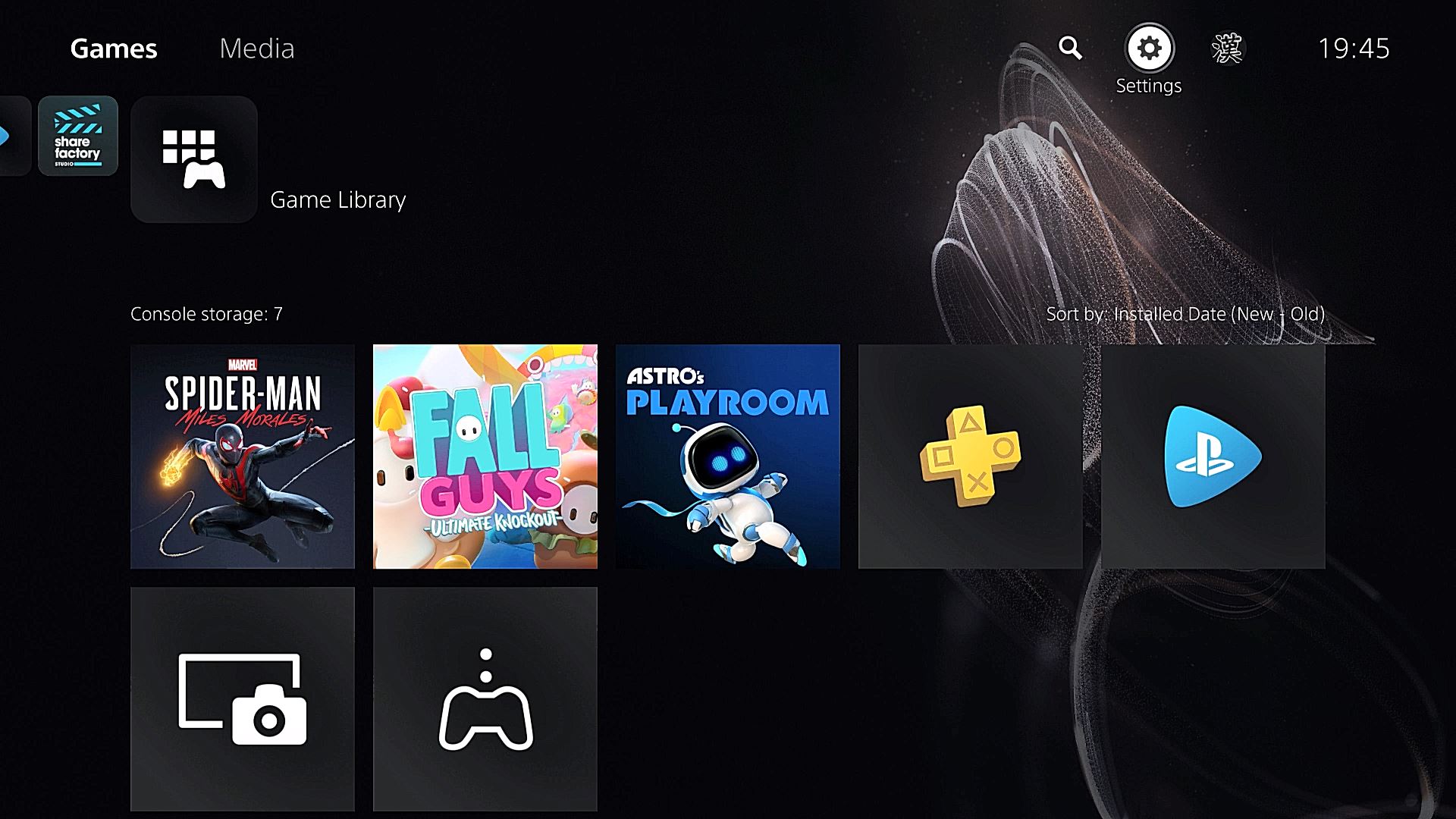
  • From the home screen on the PS5, use your DualSense controller to move the cursor up to the settings option at the top of the screen.
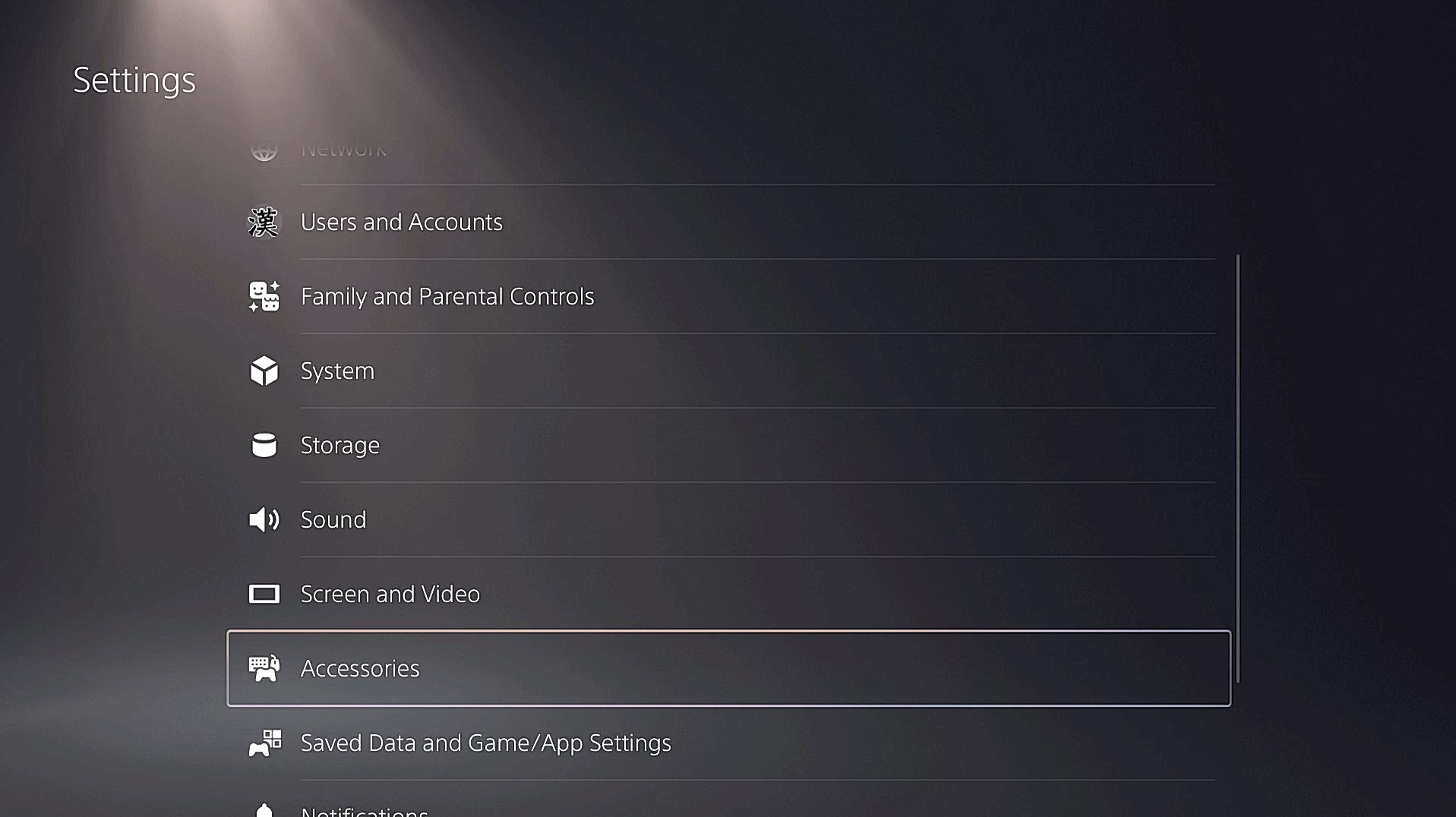
  • Hit X and then scroll down to the ‘Accessories’ option.
  • Hit X once again to find the ‘Controllers’ option.
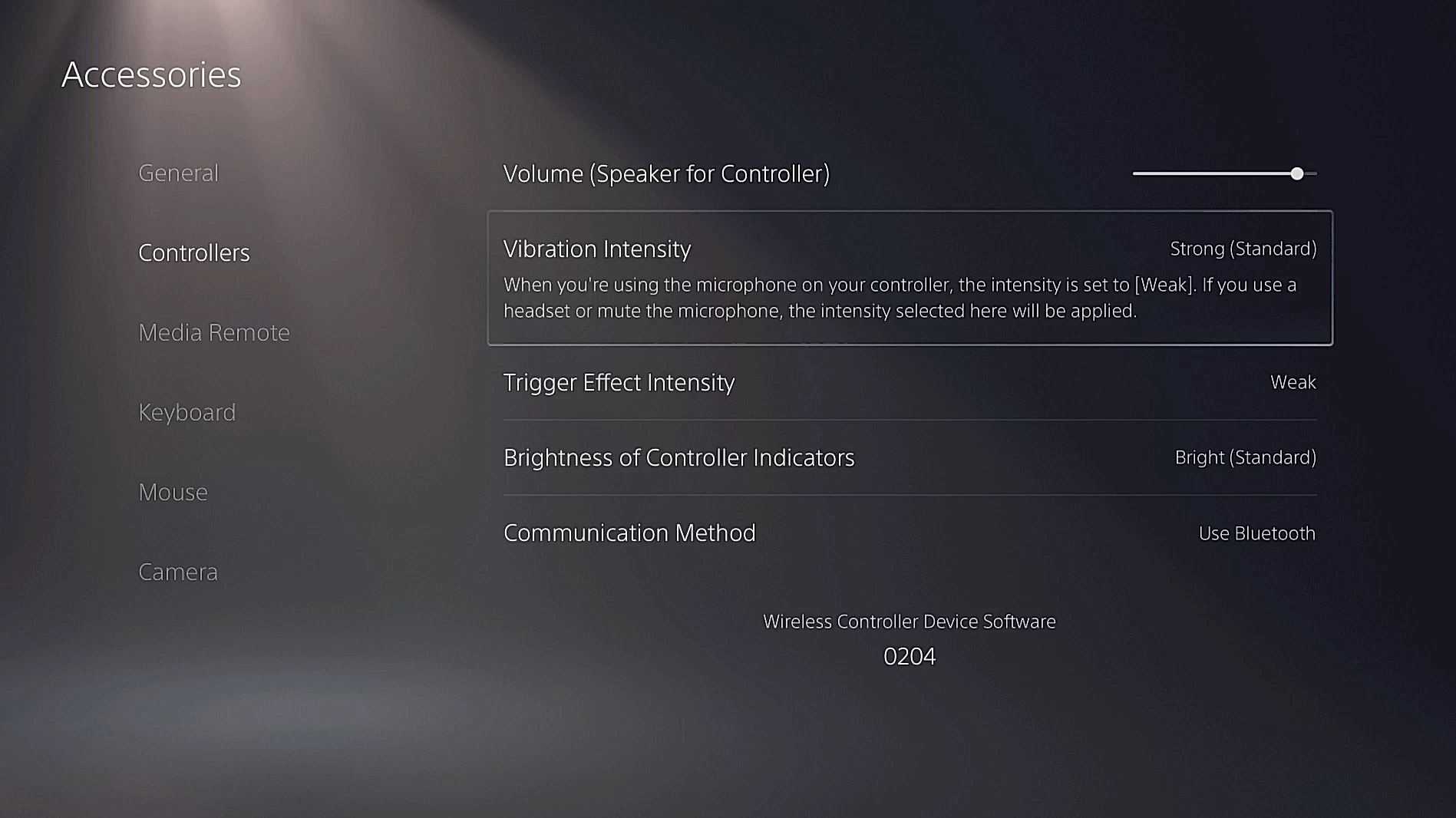
  • In the next list, you can find the second option, which will allow you to change the DualSense’s Haptic Feedback and vibration intensity to Strong, Medium, Weak, or turn it off completely.
how-to-change-the-dualsense-vibration-intensity-haptic-feedback-intensity-on-ps5-1

how-to-change-the-dualsense-vibration-intensity-haptic-feedback-intensity-on-ps5-2

how-to-change-the-dualsense-vibration-intensity-haptic-feedback-intensity-on-ps5

This is one of a number of different settings you can change on the PS5. If you want to keep track of all our guides and info about the PS5 UI be sure to check out our hub filled with PS5 info here.

The PS5 is available now.

Related News

News

Pokemon Pack Odds Explained: What One in Every X Packs Really Means

Charles Monrose / October 26, 2026

Almost every Pokemon booster pack you open will contain nothing you were hoping for. That is not bad luck, it …

Read more
News

Tomb Raider: Legacy Of Atlantis Will Last Players Around 14-16 Hours

Michael Harradence / October 26, 2026

Crystal Dynamics has revealed that Tomb Raider: Legacy of Atlantis will take around 14-16 hours to complete.

Read more
News

Cronos: The New Dawn Update Adds Photo Mode Just In Time For Halloween

Michael Harradence / October 26, 2026

A free update for Cronos: The New Dawn is now available to download, which features a Photo Mode and more.

Read more

Upcoming Games

Oct 27

Remothered: Red Nun’s Legacy (Nintendo Switch 2 / PC / PS5 / Xbox Series S/X)

Oct 29

Phantom Blade Zero (PC / PS5)

Oct 29

Croc 2: Kingdom Of The Gobbos (Nintendo Switch / PC / PS4 / PS5 / Xbox Series X/S)

Nov 10

DreamWorks Shrek 2 Remastered (Nintendo Switch / Nintendo Switch 2 / PC / PS5 / Xbox Series X/S)

Nov 19

Grand Theft Auto VI (PS5)

Dec 1

Hela: Of Mice & Magic (Nintendo Switch 2 / PC / PS5 / Xbox Series X/S)

Dec 3

Rayman Legends Retold (Nintendo Switch 2 / PC / PS5 / Xbox Series X/S)

Dec 31

MUDANG: Two Hearts (PS5)

© 2006-2026 PlayStation Universe, All Rights Reserved.

About PSU

PSU's YouTube

PSU's Twitter

Privacy Policy & Terms and Conditions

Advertise on PlayStation Universe

Contact

About

Staff

News

Reviews