Copying a pro’s crosshair used to take seconds. You pasted their share code or dropped their cfg into the right folder, and you were aiming through the same lines they used. Over eight days in late September, Valve broke that shortcut for anything saved before the change.
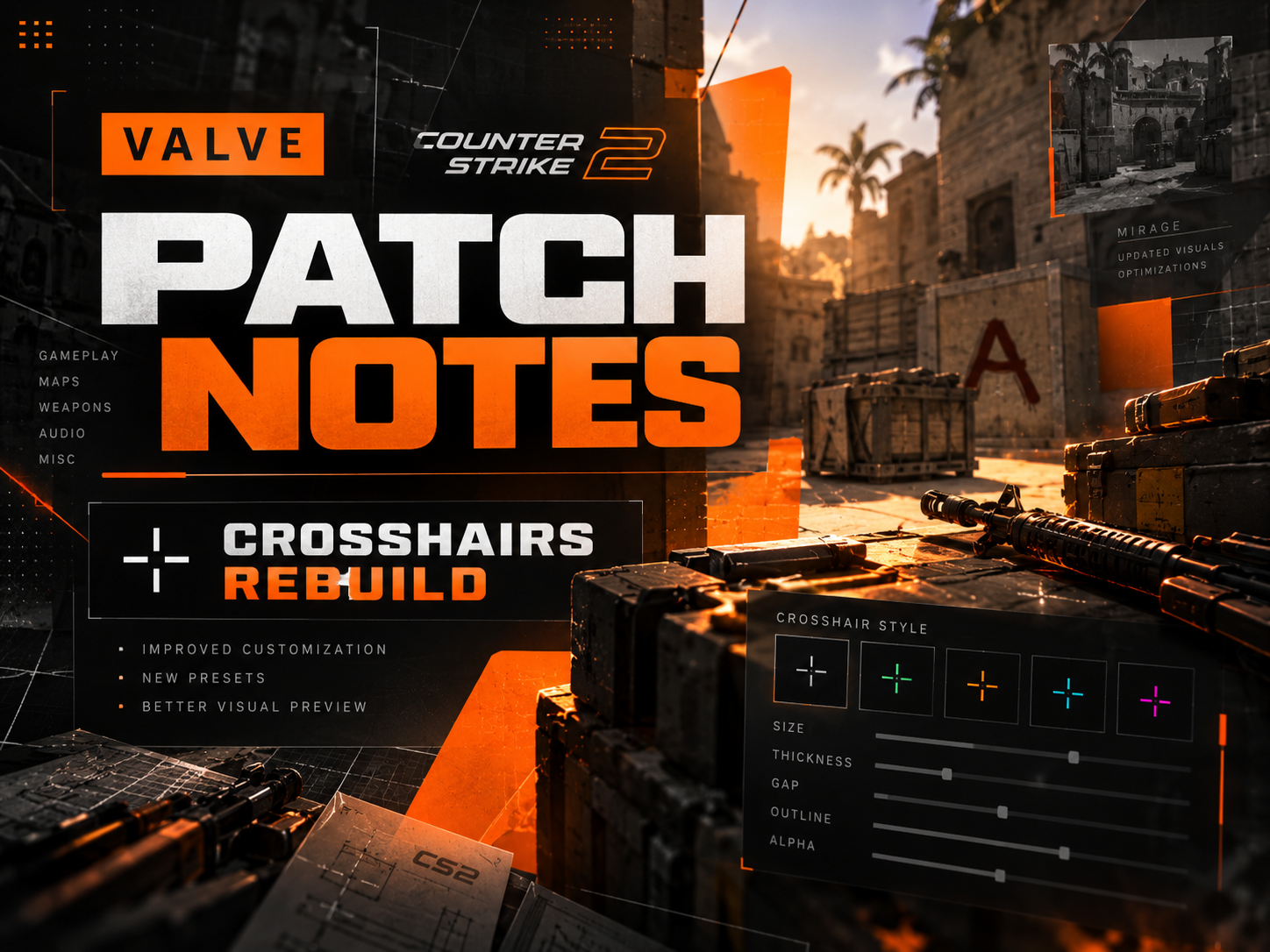
The change came in three patches. The Rush Hour update on September 22, which introduced the 3v3 Rush mode, also moved the crosshair settings into a new Crosshair/Scopes tab and added new styles. According to the patch notes for September 22, the new default is a style the notes call Dynamic Quad, which Valve says “better represents weapon accuracy”. Smaller patches on September 23 and 30 filled in the rest.
The numbers now mean pixels
The main change is the unit. In Valve’s own explanation, the old thickness and length values sat on an arbitrary scale that the game converted to pixels based on display resolution, so the same number gave a different pixel count on different screens. Now the number is the pixel count at the resolution where you set it. A thickness of 1, a length of 8 and a gap of 4 give bars one pixel wide and eight long, with a 4-pixel gap.
The game also rescales a crosshair when you change resolution. Valve’s example: set a 2-pixel thickness at 1280×720, switch to 2560×1440, and the line is redrawn 4 pixels thick so the proportions hold.
Why old codes and cfgs break
Share codes changed format with the update. On September 30 they changed again, this time to carry the scope dot’s size and color. Players pasting codes saved before September 22 report that the game either rejects them as an “invalid or old crosshair code” or loads a crosshair that looks different. Valve’s notes don’t mention a converter.
Config files have a second problem. Developers of crosshair tools who have mapped the update list a set of renamed commands: cl_crosshairsize is now cl_crosshair_length, cl_crosshairthickness is cl_crosshair_thickness and cl_crosshairgap is cl_crosshair_gap. Some old commands, such as cl_crosshair_outlinethickness, are gone entirely.
A pre-patch donk cfg shows how much of a setup that touches. His crosshair was a tiny Classic Static cross with a length of 1, a thickness of 1.5 and a gap of -4, in a green set by hand to RGB 0, 255, 165 and with no outline. The same file binds the minus key to set cl_crosshairsize to 1000 and equals to shrink it back. That is an old trick for lining up grenades: at size 1000 the crosshair stretches across the screen. The length, thickness and gap lines, and both binds, use either the old units or an old command name.
The gap is the hardest part to carry over. In the first version of the new system it started at 0. When Valve brought negative gaps back on September 30, its notes allowed them only for the classic dynamic style, and donk played a static one. No menu setting reproduces his -4, so anyone after his look has to rebuild it by eye.
Valve has at least covered one use of those lineup binds. Since September 30, grenade crosshairs also work during freeze time, so an insta-smoke can be lined up by holding the grenade’s attack button before the round starts.
What else changed
On September 23 Valve added half-outlines, which draw only the top-left part of the outline, along with a Static Square style and a fix for a bug that ignored a gap of 0. The September 30 patch brought an outline color option and a Static Quadrant style. It also fixed how weapon inaccuracy and spread are drawn.
That last fix matters because the new moving styles now show a weapon’s real spread and inaccuracy. A Dynamic Spread Limit setting caps how far the lines can travel, and Valve set a baseline of 64 pixels, which it says covers the weapons with the largest spread. Showing real spread is also the reason for the new default. A crosshair that opens up when you run and shoot tells a newer player what a static cross never will: how far off the next bullet can land.
Copying a pro crosshair now
Treat any code or cfg from before September 22 as a list of values to read. Set length, thickness and gap again in the Crosshair/Scopes tab at your own resolution, then export a fresh code. If you take a newer code from a pro’s settings page, check when it was saved, because only codes exported after September 30 include the scope dot settings.