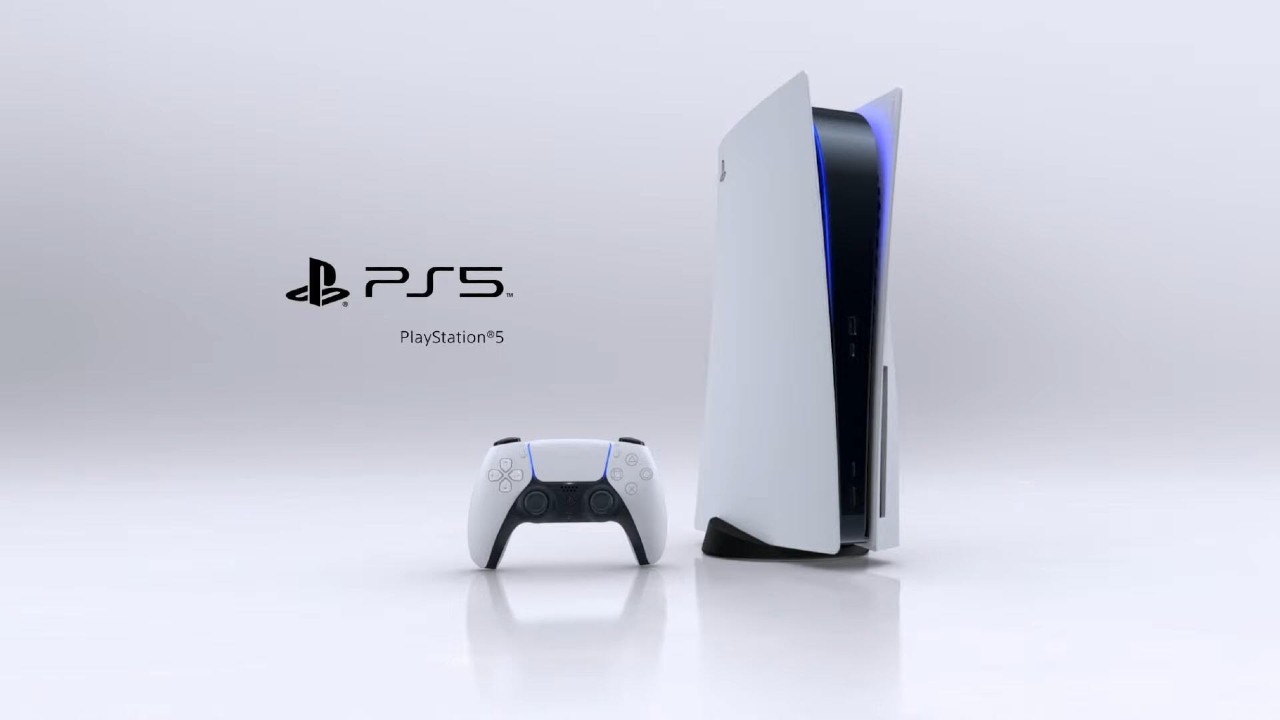
How To Fix PS5 Error Code NW-102307-3, PS5 Error Code NW-102307-3, PS5 NW-102307-3, NW-102307-3. You’ve probably come across this error in one of its many incarnations, as it’s the same server-related issue that comes under multiple different error codes. As such, the steps to remedy the problem are the same via Sony.
PS5 Error Code NW-102307-3, How To Fix
- Hit up the PSN Status Page to see if there is any problem outlined by Sony
- Restart the PS5 and used a wired connection to access the Internet, then configure your settings again
- If using a wireless connection, review your installation location and bring the PS5 closer to your router if possible. You can also try moving any obstacles that may disrupt the connection.
- Turn off your router/modem, wait five minutes, then turn it back on again.
- Update your router’s firmware if applicable
- Try opening the following ports — TCP: 80, 443, 3478, 3480, and UDP: 3478, 34709 and 49152~65535
- Head to networks settings and set up a static IP address to help improve it
- Go to DNS settings in the Network Settings and configure your settings with the number of public DNS that is free and open to the public by companies or organisations.
Related Content – Sony PS5 Complete Guide – A Total Resource On PlayStation 5