Video gaming is an expensive hobby, and you have to spend a handsome amount on custom build. After continuous use, your gaming PC or laptop may cause GPU issues. For a gamer, it is important to know common GPU issues and how to resolve them for smoother gameplay. Dedicated graphics cards have become an integral part of custom and powerful gaming computers. These additional hardware pieces sometimes pose issues that impact the gaming experience.
Playing on a console has its own perks, but gamers have some good reasons to prefer gaming on PCs and laptops. There are lots of customization options in PCs for modern and heavy games. It is common for hardware to reduce the performance or create software issues. In this guide, we will talk about some common GPU problems and how gamers can resolve these issues to play their favorite video games.
What are the Common Reasons behind GPU Issues?
Just like any digital hardware, there are countless small circuits and components in graphic cards. The sophisticated structure of these cards requires you to install them on compatible boards only. Still, here are some reasons that create issues with computer graphic cards:
- Outdated or Incompatible Drivers
- Overheating
- Power Supply Issues
- Physical Damage
- Overclocking
- Software Conflicts
- Firmware or BIOS Problems
- Cable and Connector Problems
- Dust and Dirt Accumulation
When graphic cards start malfunctioning, you should diagnose the problem first. Make sure that all drivers are updated and installed as per instructions. After that, make sure that cards are accurately configured or installed on the board. If the problem is not resolved yet, here are some other suggestions that can be quite helpful.
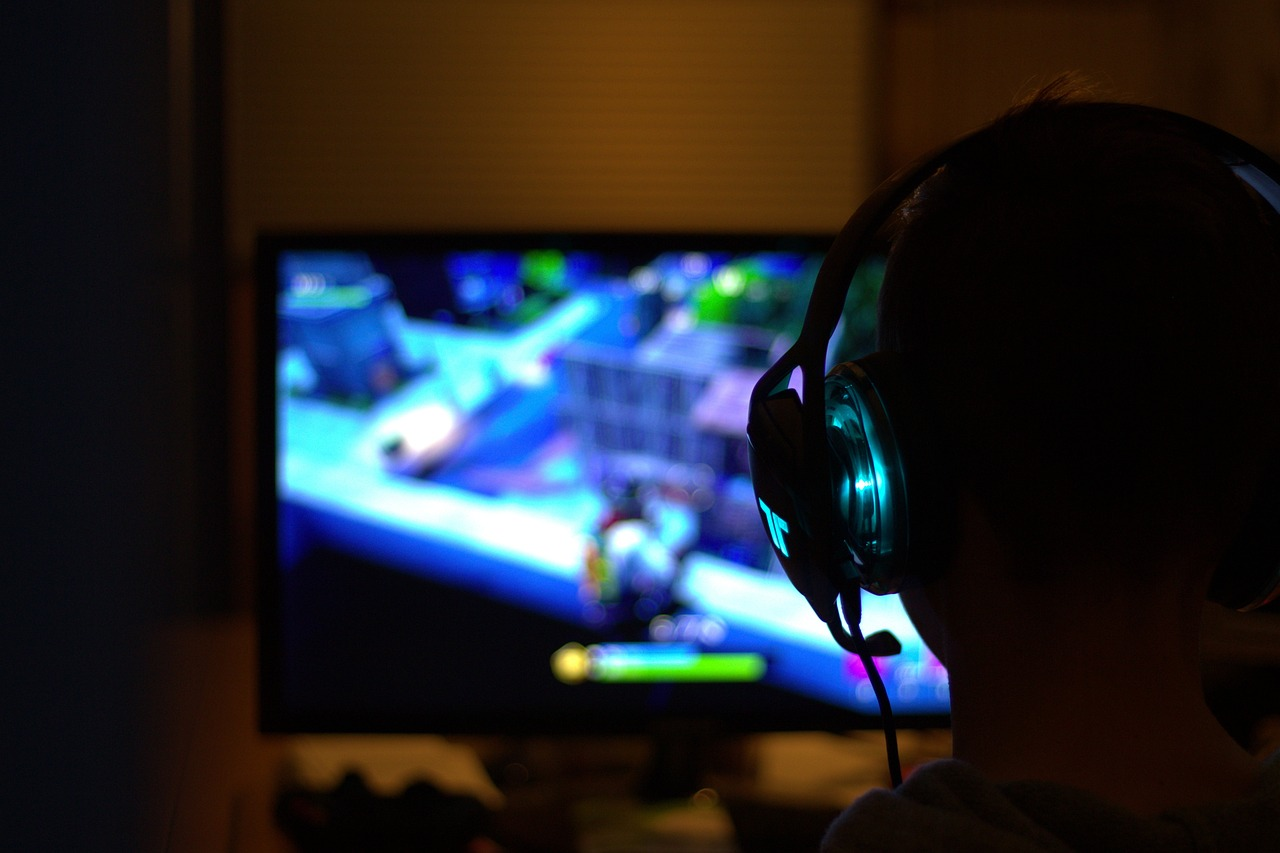
Extreme Online Lag
When you enter a command, sometimes the server takes too much time, and there is a delay between the reaction and your command; that delay is called lag. The simplest example is when you shoot at an enemy, but bullets don’t cause any damage due to slow response. This issue is not related to graphic cards anymore. You should shift to a faster and better internet connection to avoid these issues.
When you don’t have extra fast internet or a heavy-duty gaming PC, you can still experience the thrill of online games. Apart from enjoying the games, you can also make some extra money playing your favorite games. Yes, online casinos are now offering instant games that you can play easily from any device. An average smartphone or laptop with a stable internet connection can play all of these casino games.
Are you afraid of losing money in gambling? Well, there is always some financial risk in the games, but we have a brilliant solution for you. New players should check out https://gry-hazardowe-zadarmo.com/darmowe-spiny/ for free spins without any financial deposit. There are certain casinos where players can get bonuses and rewards for registering at the casino. With these free spins, you can try new games and features without fear of losing money.
Graphical Glitches
In some video games, visual media starts distorting. You don’t get smooth videos on the screen. The texture of the game does not look good, and the graphic quality drastically drops. Objects in the game do not properly load, and the game starts skipping visual details.
In such a situation, you need to check all drivers for graphic cards. If any driver is outdated, you must update to the latest version. Uninstalling and then installing the newer version is also a valid solution. If the problem still impacts the visuals, it’s time to physically clean the cards. Dust buildup in the cards and the ports can also cause heat issues that destroy the visual quality of games.
System Requirements
If GPU is causing problems for any specific game only, you need to check the system requirements for that game. Most games require high-end PCs and graphics cards. If you are trying to run a video game on a low resolution graphics card, you will face some unexpected issues. We highly recommend using graphic cards from authentic best graphic card brands only. Here are some popular graphic cards that are used in custom-built gaming PCs:
- NVIDIA GeForce RTX 30 Series
- AMD Radeon RX 6000 Series
- NVIDIA GeForce GTX 16 Series
- AMD Radeon RX 5000 Series
- NVIDIA GeForce RTX 20 Series
- AMD Radeon RX Vega Series
- NVIDIA GeForce GTX 10 Series
- AMD Radeon RX 500 Series
Apart from GPU, your gaming PC should meet other software and hardware requirements, too. Gaming PCs should have decent storage space, the latest operating system, and sufficient RAM to support new and popular games.
Scan for Malware and Virus
Using pirated games or software can expose your computer to malicious viruses and malware. If you have started facing GPU issues after installing any specific program or game, that product is corrupted and infecting other programs in the PC, too. Having a valid and best antivirus for PC can also save your system from such issues.
Test with Other Games
GPU issues are not always about your PC or graphic hardware. Games can also lack some files, and you may face issues with specific games only. If this problem occurs for any new game, you need to test other games on your PC. Other games may work smoothly, and if this happens, the problem is in your game, not the PC or hardware. Before making any hardware upgrades, verify that issues are not related to any specific game only. Game-specific GPU issues may require you to follow a different approach.
Conclusion
These are some common solutions for problems that are faced by most gamers. Depending upon the make and model of your gaming device, you might have to come up with other solutions. The most important step in any fixes is to identify the root cause. If you fail to diagnose the issue and these recommendations don’t work, don’t try any more DIYs. It is better to seek professional help from certified technicians. For new devices, you can get in touch with the company too. They might guide you with better solutions.