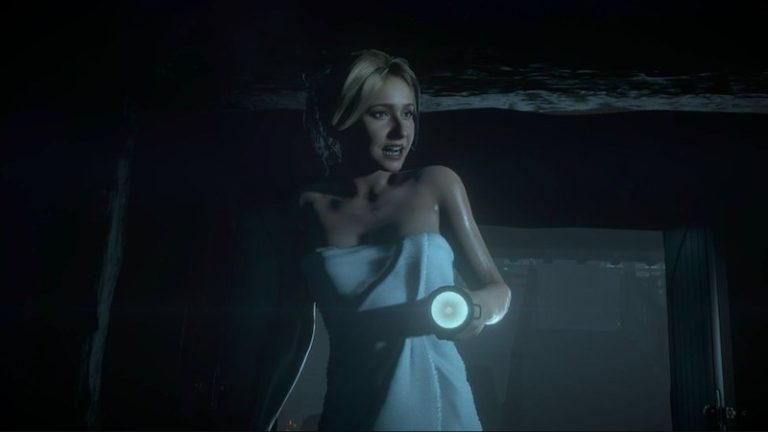
Ballistic Moon has released a new patch for the PS5 and PC versions of Until Dawn, which come with a number of performance improvements and crash fixes. You can read the full details in the Until Dawn update 1.05 patch notes below. Until Dawn was originally released for the PS4 in 2015, and this new version for PS5 and PC incorporates a variety of visual improvements and introduces expanded story elements including a new ending and fresh collectibles. You can read our full review here.
Related Content – Upcoming PS5 Games 2024: The Best PS5 Games Coming Soon
Fixes
- Fix for Mike sliding around the Sanatorium in Chapter 9
- Fix for Chris dropping into place after viewing the Wanted Poster clue in Chapter 1
- Performance fixes to address black screens and frame drops
- Performance improvements for lower spec PCs & Steam Deck
- Touchpad for certain interactions on DualSense wireless controller now enabled by default (if you have already installed the game, reverting controller settings to ‘Default’ will apply this fix)
- Fix for AMD FSR’s Frame Generation not working as intended
- Fix for VSync setting not working as intended
- Fix for Resolution Scale setting issues
- Fix for dll error causing Steam Deck to fail on boot
- Fix for crash which occurred when booting the game whilst it is still installing on PS5
- Fix for transcript scrolling not working via mouse
- Fix for a crash that occurs around the shed in Chapter 8
- Fix for HDR settings not functioning as intended on PC
- Fixes for some frame pacing issues on PS5
- Fix for Screen Resolution % resetting to 25 when settings were changed, which resulted in pixelated visuals
- Fix for settings not being saved when exiting the game
- Fix for UI prompts appearing off-screen when playing in 16:9 aspect ratio
- Upgraded to FSR 3.1.1 (Unreal) which fixed some Frame Generation feature issues
- Fix for Sam being trapped outside of the Sanatorium in Chapter 9
- Fixed stuttering when viewing in-game movies (Butterfly Effect, Sam Bus sequence)
- Save/Load fixes to address blockers when hitting Continue to play (fixes progression blockers throughout the whole game. This fix will retroactively fix any previously affected saves, also)
- Fix for Dolby Atmos not working as intended
- Other miscellaneous fixes
[Source – Twisted Voxel]